


MacBook Air 13″ (M2 / M3 / M4 / M5)
£12.00
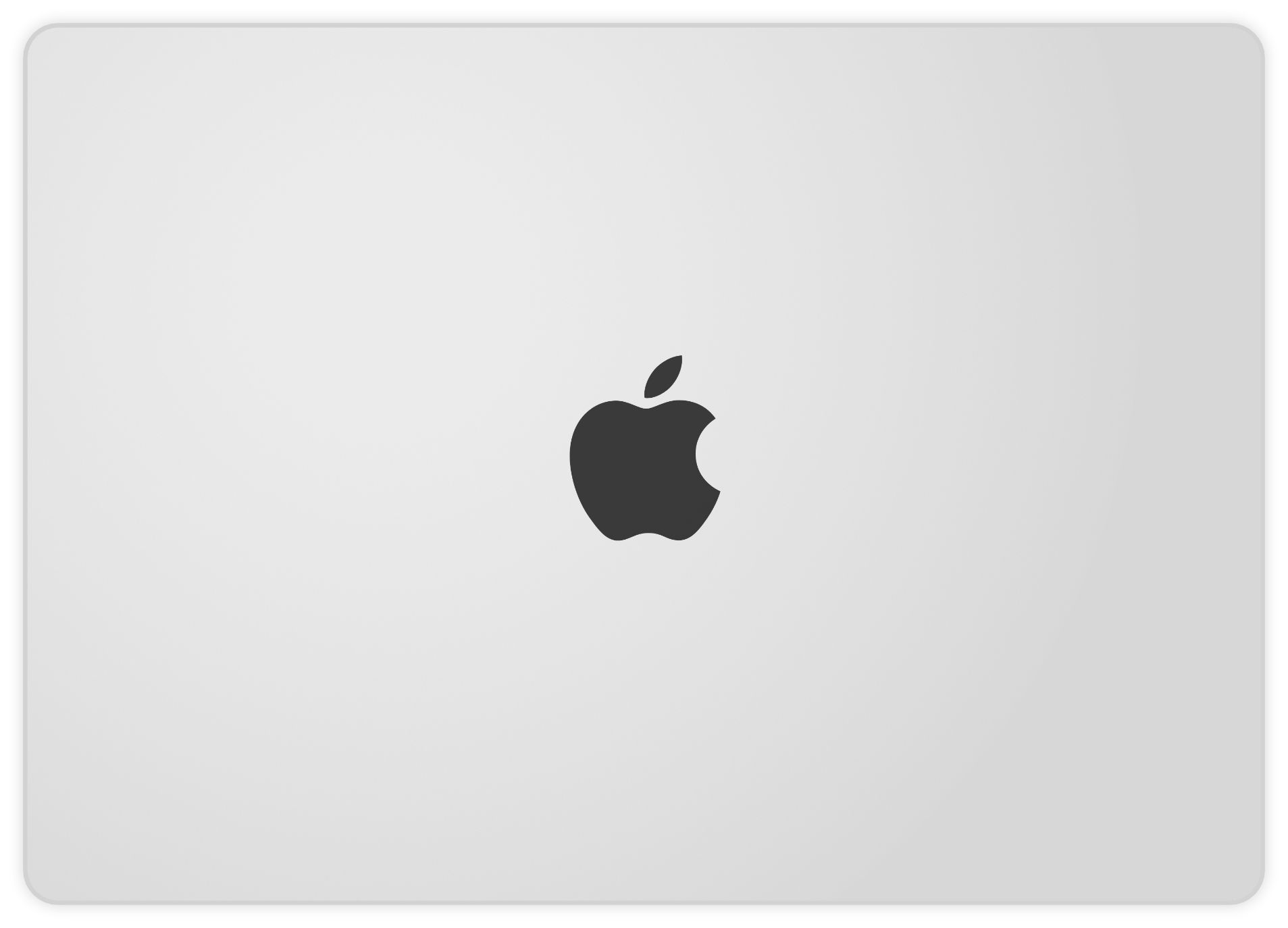
Keep your MacBook Air looking brand new. Whether you have the M2, M3, M4, or the latest M5 model, this LidLayer provides an identical color match and tough vinyl protection. Slim, lightweight, and designed to let you apply and remove stickers without ever touching the aluminum. Precision-cut for a perfect fit.
🚚 Free Worldwide Shipping when you buy 2 or more LidLayers.
Description
Introducing our LidLayer for Apple MacBook Air 13″ laptops! This high-quality, practically invisible sticker is designed to protect your laptop from scratches and damage while preserving the appearance of any stickers you put on top of it. The sticker is easy to apply thanks to micro air channels built into the backing sheet, allowing you to easily remove any bubbles during the installation. We also use the latest adhesive technology to ensure that no residue is left behind when the LidLayer is removed, so there is no need to worry about damaging your laptop. With our LidLayer, you can personalise your MacBook Air with your favourite stickers and keep it looking like new, even when you’re ready to sell it.
What is this thing?
It is a full-sized, precision cut sticker for your MacBook Air which is identical to the original colour of the lid (Silver, Space Grey etc.). The reason this exists is two-fold:
- Protection for your pride & joy – This vinyl sticker is built to last thanks to 3M, originally meant for wrapping cars so you know it is tough and durable.
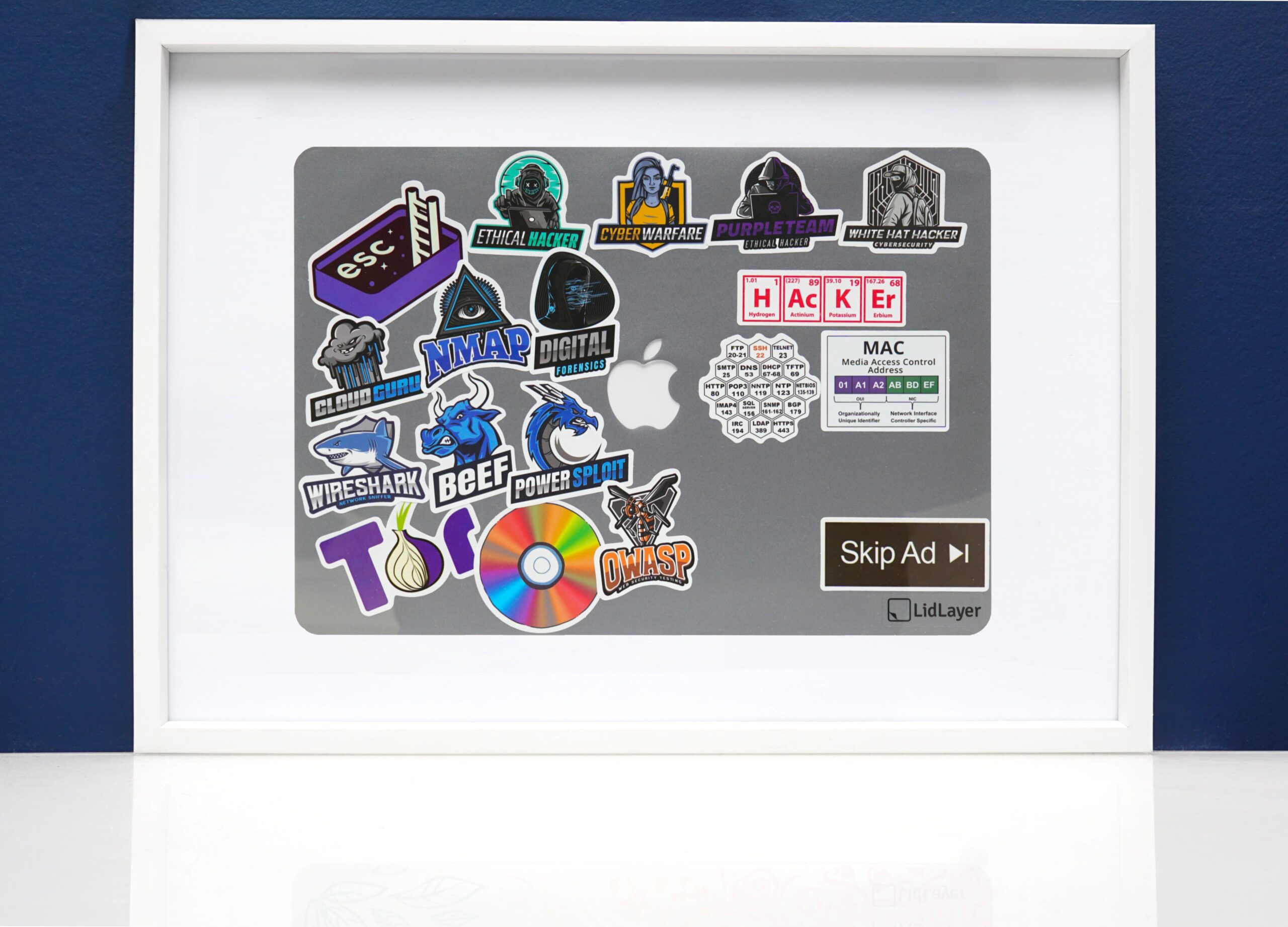
- The opportunity to preserve and archive your wonderful stickers that we in the tech business seem to love.
Our laptops travel with us just about everywhere, meaning day after day they are slid in and out of busy rucksacks or bags and run the risk of scratching our pride & joy. There are many opportunities for blemishes to occur to the lid, such as rubbing against something tough or abrasive whilst tightly packed into a carry-on bag for a conference, or you’re simply in a rush and pick up your laptop whilst your car keys are in your hard etc.
With this sleek protective vinyl, all of those blemishes are on the vinyl rather than your laptop, helping to preserve it whilst still showing off its unique attributes to the world.
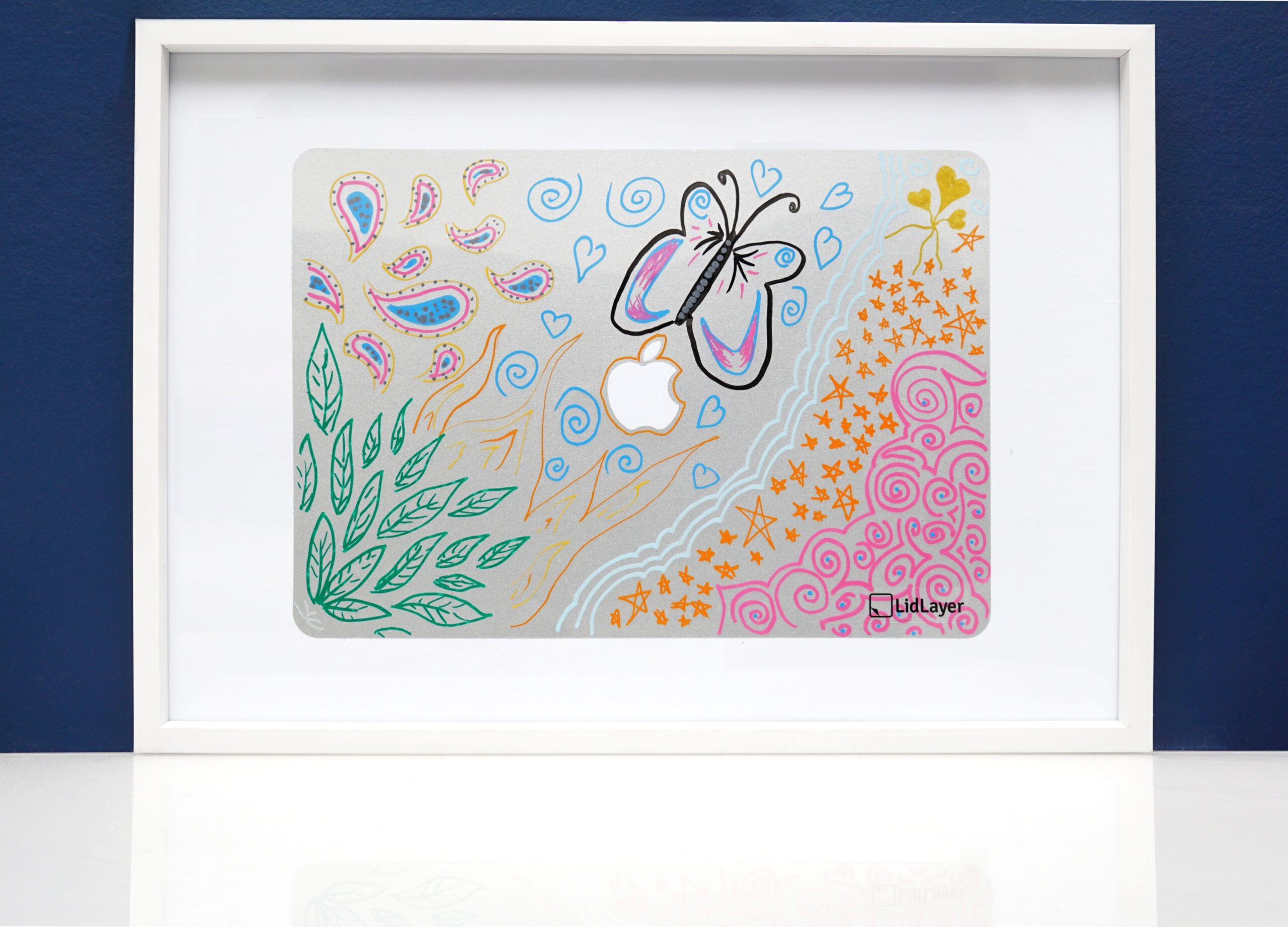
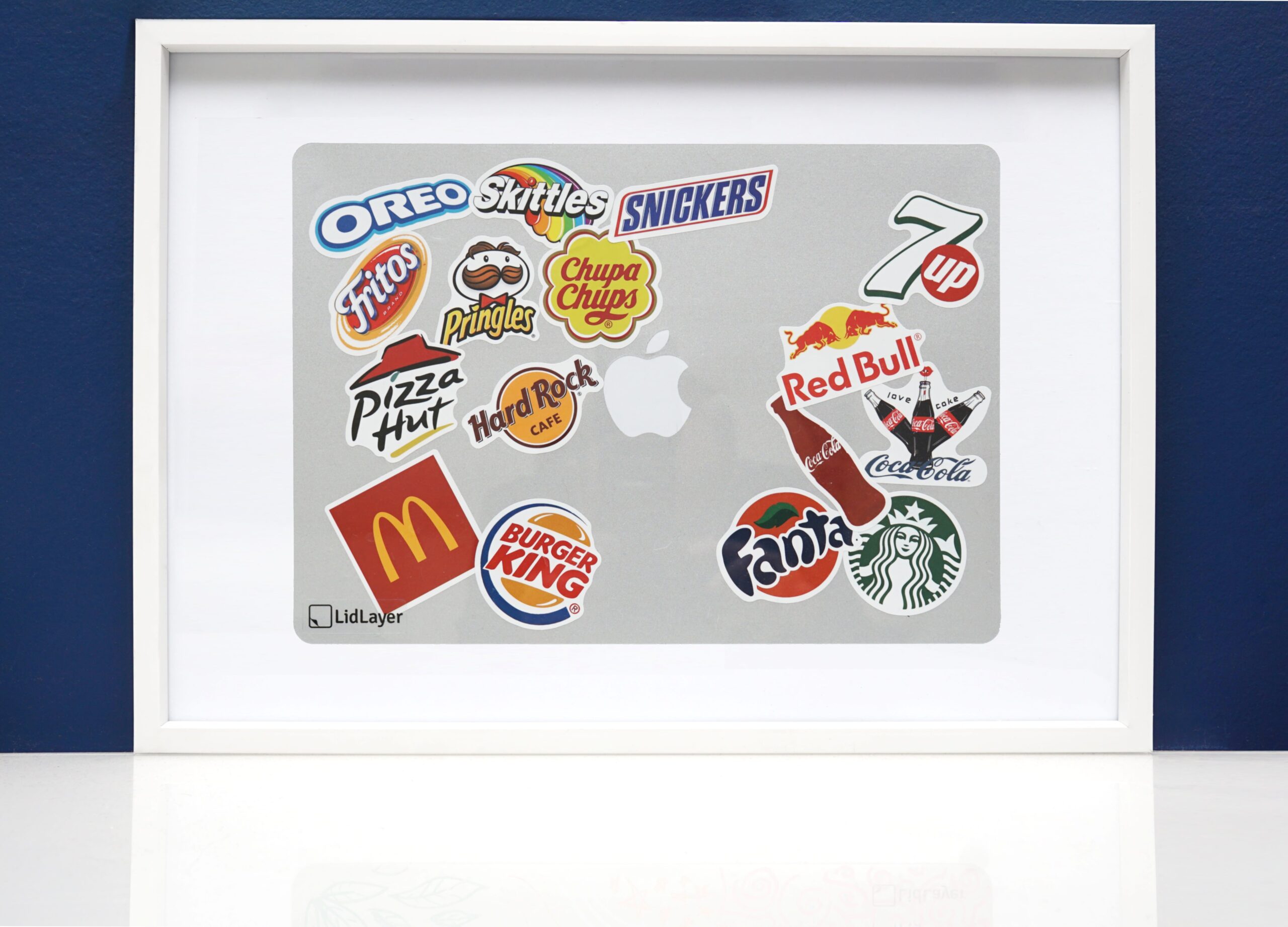
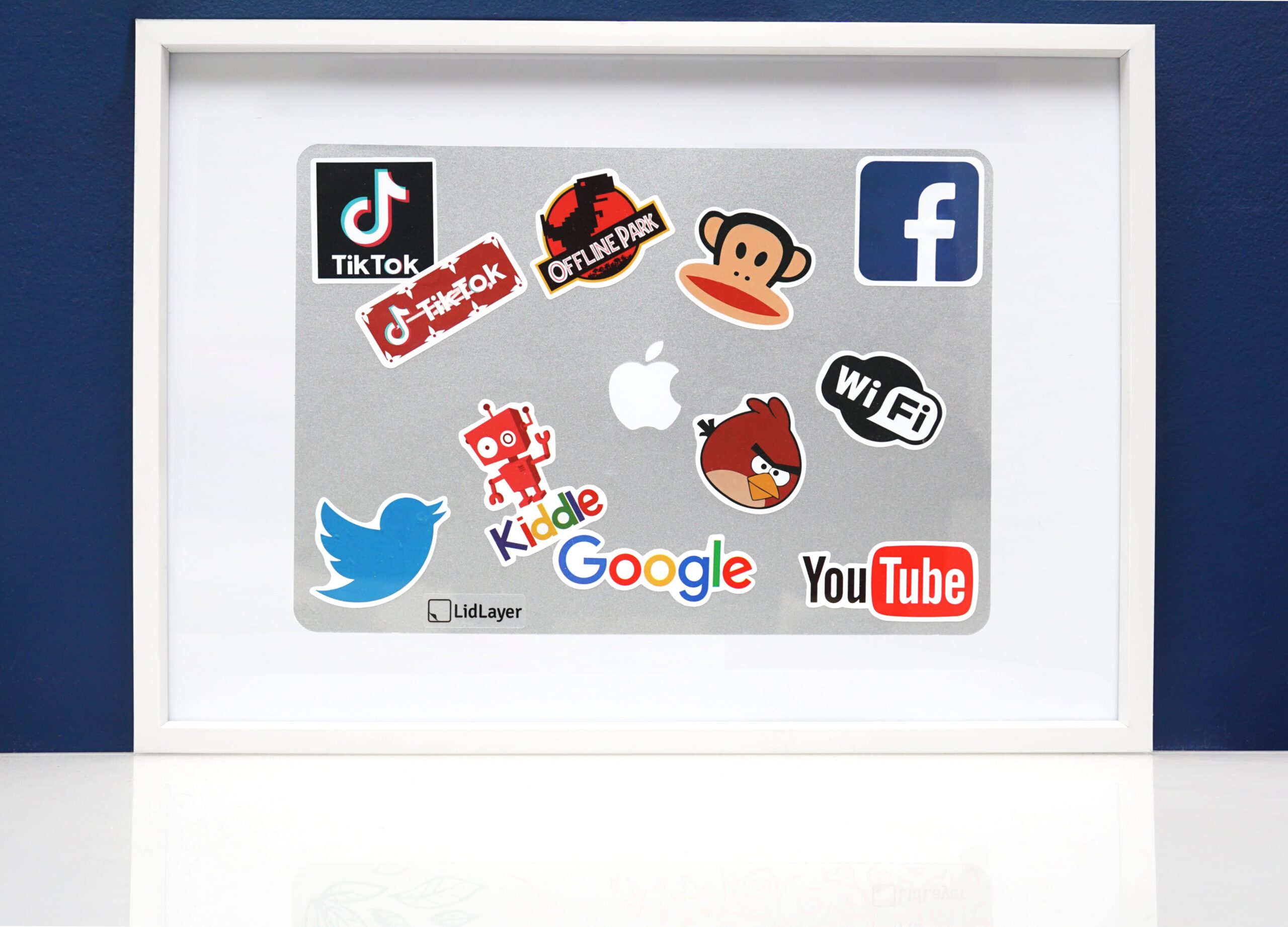
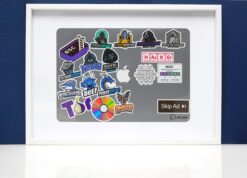
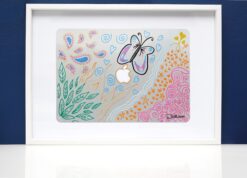
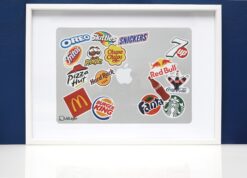
Here I have framed my prototype, showing just how closely the colour matches the Apple Space Grey, as well as just how great it looks once taken off and framed…
That’s great, but why?
I produced a whole blog post as to why and how, which gained a lot more interest than I was expecting. In short, I wanted to put stickers on my laptop but had a couple of reservations at to why:
- Resale – Selling the laptop meant I lost the unique stickers I have gained over time from conferences and meetups. Peeling each of them off would ruin them.
- Damage – When removing the stickers, each would leave a residue behind and a slight discolouration where some of the aluminium has been covered up and other parts exposed to the sun.
Technical Details
The vinyl being used here is extremely high quality and is absolutely built to last. Here are some of the specifications from 3M themselves:
- Automotive Grade Vinyl
- Durability – 5-6 Years
- Service Temperature – -60°C to +107°C
- Comply™ feature allows trapped air to escape through micro air channels in the adhesive
- Controltac™ feature keeps the adhesive film repositionable on the application surface up to the final pressure at application
- 0.11mm Thick
Additional information
| Weight | 100 g |
|---|---|
| Dimensions | 304.1 × 215 × 0.11 mm |
| Colour | Silver, Space Grey, Midnight, Sky Blue, Starlight |
| Model Identifier | Mac14,2 |
Reviews (2)
2 reviews for MacBook Air 13″ (M2 / M3 / M4 / M5)
Add a review
Related products

Sam H (verified owner) –
The color matching is right on with the midnight MacBook Air I have. I love that this gives you a way to save your stickers even after the Mac is long gone. The installation was pretty good; however, I would suggest that if the middle portion of the backing should be removed then pre-cutting the backing would make that a lot easier. Even with the lining up of the Apple logo I was still a little off. Not horribly but enough. It is holding up very well though.
Vanessa (verified owner) –
Fantastic product!! worth the buy.
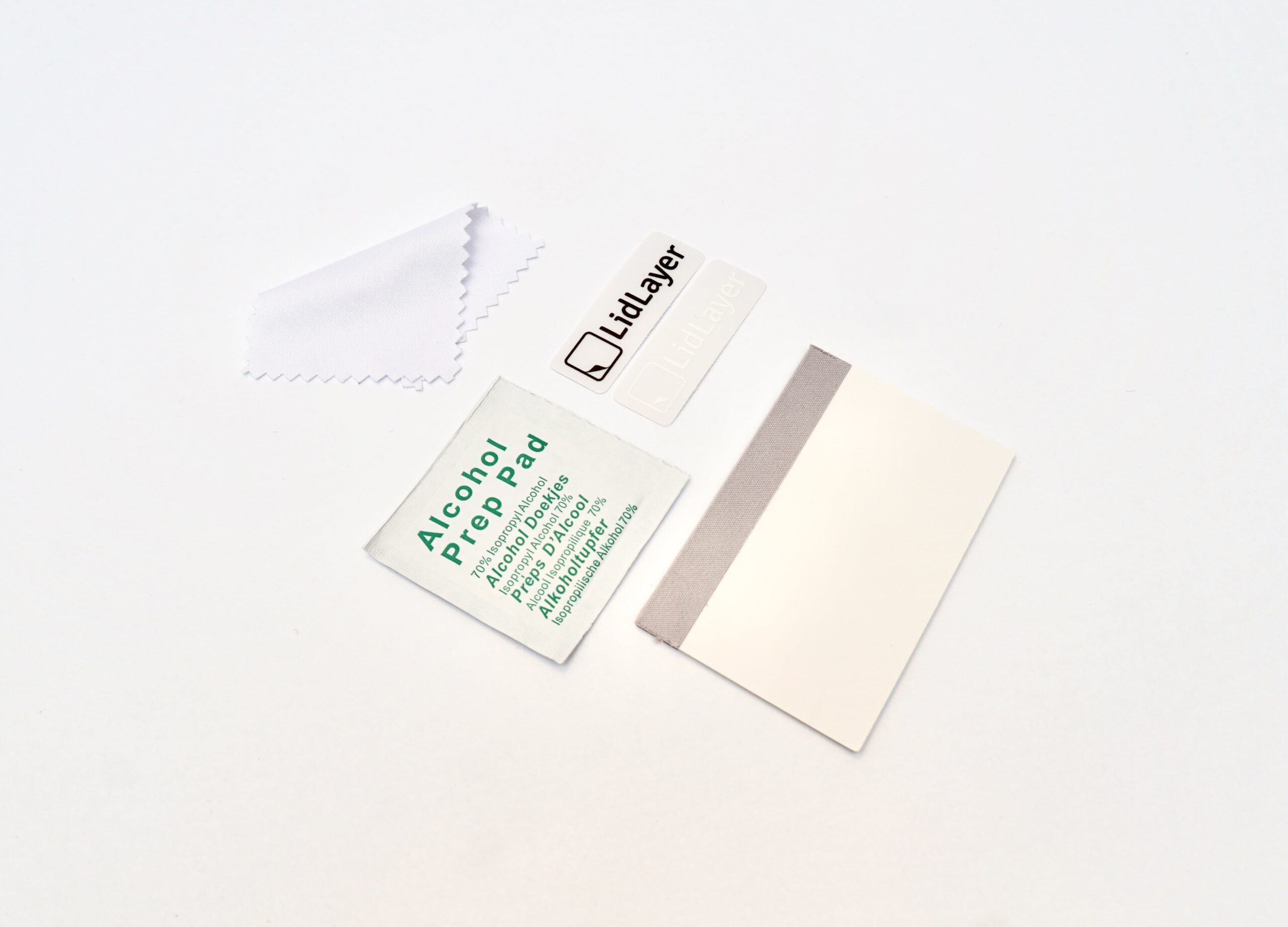
Came with outlined instructions, pretty helpful- however, it instructed to remove a strip of the backing paper down the middle of the sticker first, to use the logo to align properly before doing the whole thing. In theory, this makes sense, but was very hard to execute given there was no middle perforation or helpful rip lines or anything. I was unable to rip it down the middle all the way like it wanted, but it worked out in the end. I just removed half of the sticker at a time and aligned it against the edge, then made sure that half of the apple was aligned as well. Took off the other half of the sticker then pressed it all down once everything was perfect. Took me about 5-10 minutes, with perfect results as far as I can tell!
I was a little worried the sky blue might not be a perfect match, but it’s exact! I can’t even tell it’s there lol, the color and even the slight grain is a precise match to the Macbook. Nice thick quality stuff. I kept the little apple cut out too lol.
10/10 purchase. Now I can Sticker The Machine To My Satisfaction 😉